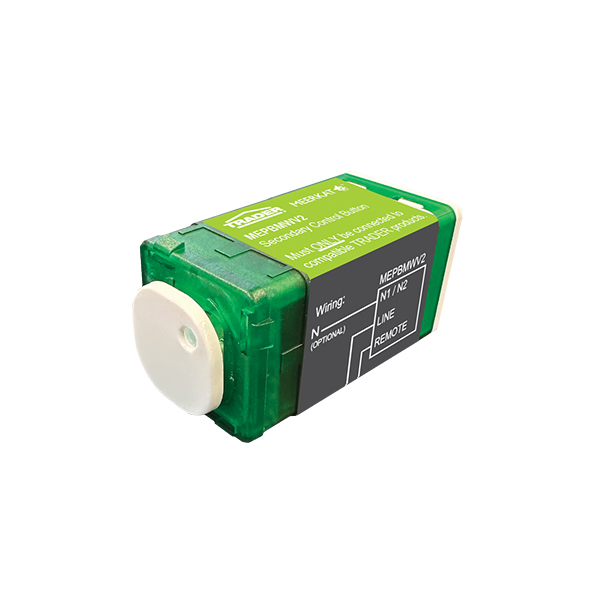
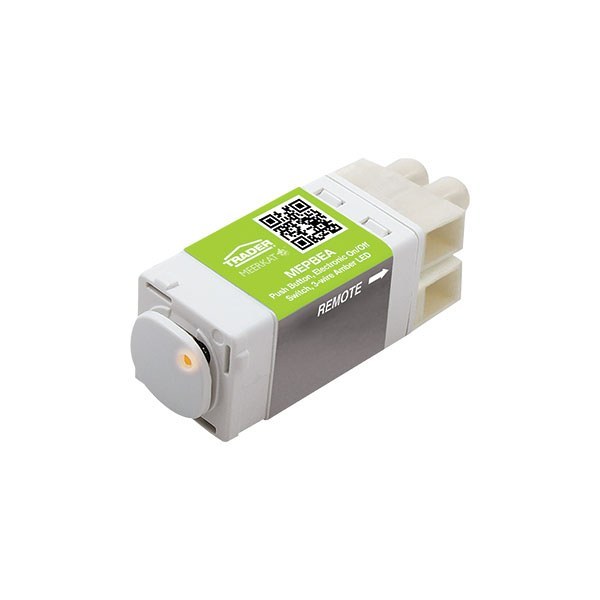
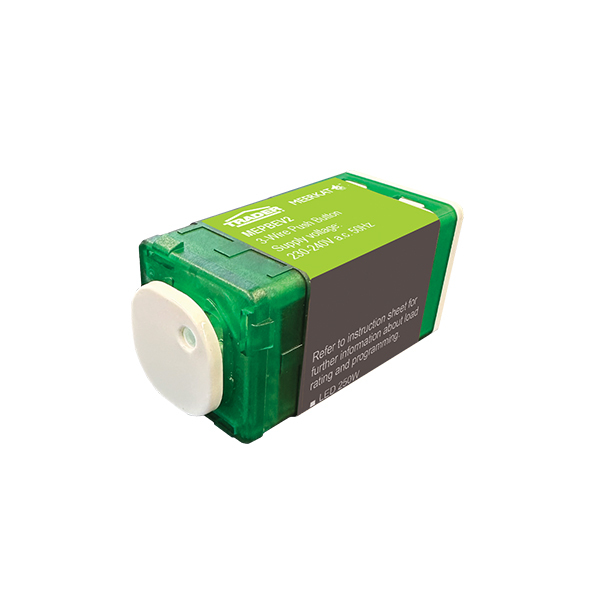
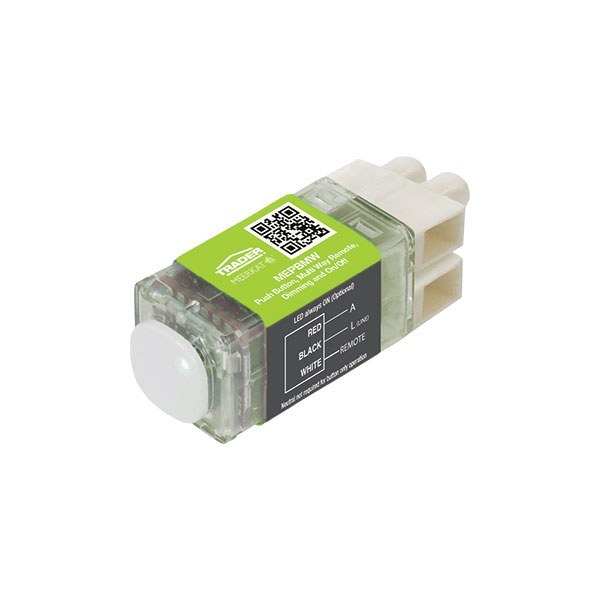
MEPBMWV2
Slave Mech Push Button EEC MultiWay Remote ON OFF DIM for DIMPBDV2 MEPBEV2 Amber Blue LED
SKU
MEPBMWV2
Box Qty
20
Categories
Push Button
Features
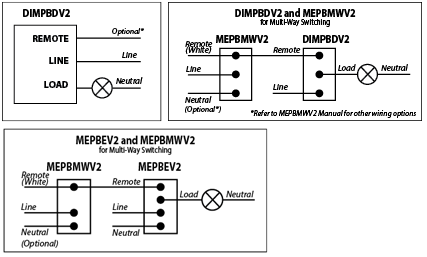
- The MEPBMWV2 Remote Button enables Multi-Way dimming and ON/OFF switching with the DIMPBDV2 Digital Dimmer. It can also be used in conjunction with MEPBEV2 switch for Multi-Way ON/OFF control switching only.
- The inbuilt LED indicator can be configured two ways by connecting Neutral to the MEPBMWV2:1. With a Neutral connected to terminal N-1 indicator light will be Amber.2. With a Neutral connected to terminal N-2 indicator light will be Blue.
- The MEPBMWV2 will operate without neutral connected but the LED indicator will not function.
- If a Neutral is connected the LED indicator will not turn off.
- The MEPBMWV2 will operate without neutral connected but the LED indicator will not function. Multiple MEPBMWV2 push button mechanisms can be connected in parallel to a single DIMPBDV2 dimmer or a MEPBEV2 electronic switch, provided the total length of the remote connection does not exceed 50 metres. It operates as a ‘slave’ button and provides full functionality to the master module that it is connected to.
- LOAD COMPATIBILITY - For use with MEPBEV2 or DIMPBDV2 mechs only (NOT FOR STANDALONE MAINS SWITCHING).
- Enables Multi-Way dimming and ON/OFF switching for DIMPBDV2 Digital Dimmers.
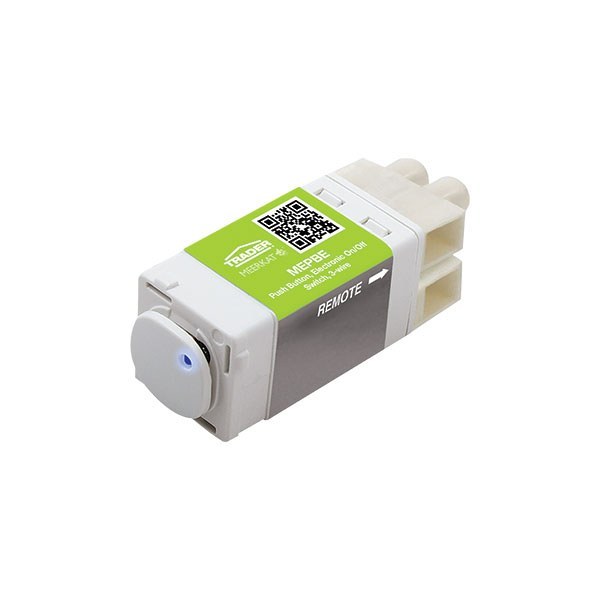
- Enables Multi-Way ON/OFF switching for MEPBEV2 Electronic Switches
- Neutral not required for button only operation (no illumination).
- Optional LED Indicator operation requires Neutral.
- Supplied with MEBU Gloss White & Gloss Black buttons, suits Puma, Cougar & Flat Cat gloss finishes.
Product specs
Dimensions
50.63mm x 23.8mm x 24mm
Material
Polycarbonate
Surface finish
Matt
MEPBMWV2 Data Sheet
Download to see product technical details.
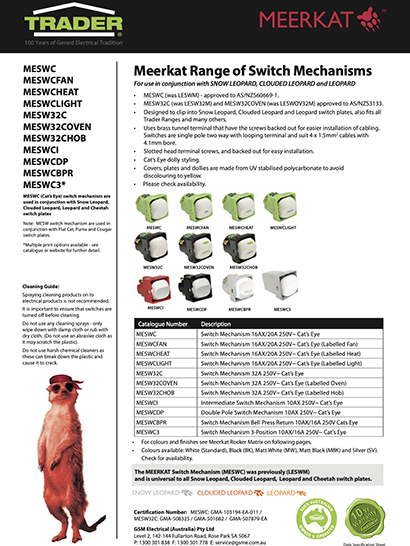
Meerkat Data Sheet
Meerkat
Download to see technical details for the complete Meerkat range.
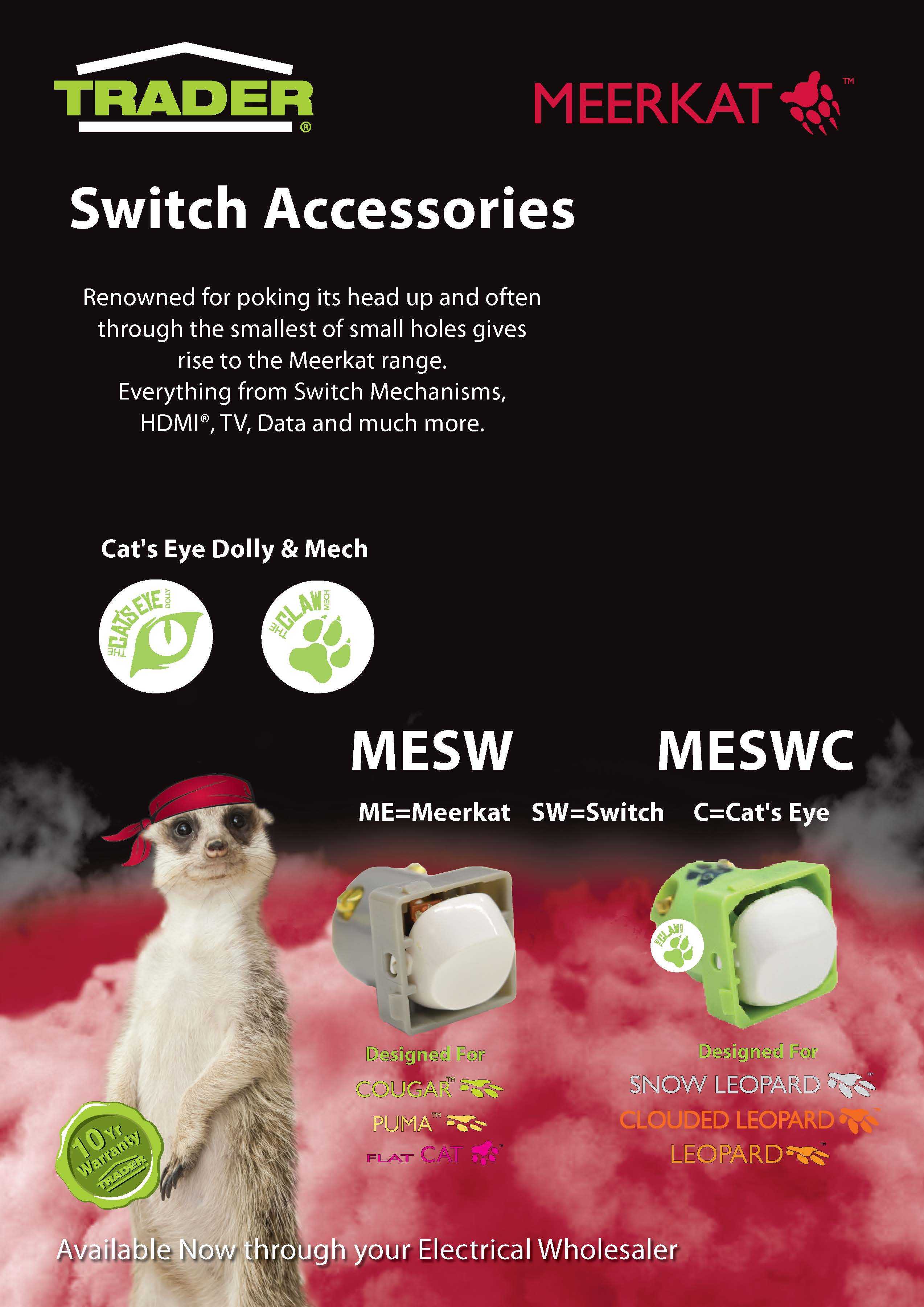
Meerkat Range Flyer
Meerkat
Download to explore the full Meerkat range.
MEPBMWV2 Instructions
Meerkat
Download to see instruction details.
Purchased this product?
How do you rate it?